


ArchiMate 3.2 is the global independent modeling standard used to describe, analyze, and visualize relationships across different architecture domains in an unambiguous way,,. The Visual Paradigm platform provides an Open Group certified environment that integrates Generative AI to transform Enterprise Architecture (EA) from a labor-intensive manual process into an agile, inclusive practice.
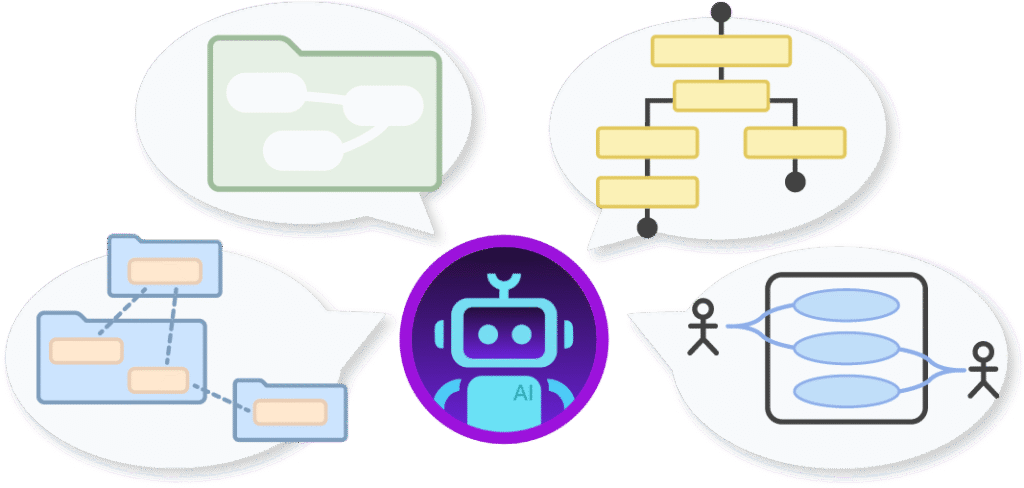
1. The Power of AI in ArchiMate Modeling
Traditional EA modeling often requires deep knowledge of the ArchiMate specification and hours of manual drawing from a “blank canvas”,.Visual Paradigm’s AIfeatures address these challenges by:
- Mastering Complexity at Speed: The AI acts as anarchitectural co-pilot, interpreting natural language prompts to generate complete, multi-layered models in seconds,,.
- Ensuring Syntactic Compliance: The tool automatically applies the correct ArchiMate 3.2 vocabulary, notation, and relationship rules, ensuring every diagram is standard-compliant.
- Reducing Manual Effort: Automation can reduce initial modeling efforts by up to 90%, allowing architects to focus on strategy validation rather than rearranging shapes.
2. Step-by-Step Guide: Generating Models with the AI Diagram Generator
The AI Diagram Generator in Visual Paradigm Desktop is designed for professional-grade modeling within a certified environment,.
- Access the Tool: From the main menu, navigate to Tools > AI Diagram.
- Select Diagram Type: In the dropdown menu, choose ArchiMate Diagram
- Choose an Official Viewpoint: Select one of the 26 official ArchiMate viewpoints (e.g.,Capability Map, Business Process, or Technology Usage) to tailor the output for specific stakeholder concerns.
- Enter Your Requirement: Describe your project or problem in plain English,,. Example prompts include: “Generate a Digital Banking Transformation program” or “Telecom 5G Network Rollout Architecture”.
- Customize and Refine: Define the intended audience (e.g., executives or engineers) and tone (e.g., formal or technical) to refine the accompanying explanation, then click OK to generate the editable draft.
3. Conversational EA with the AI Chatbot
For rapid prototyping and iterative refinement, the Visual Paradigm AI Chatbot(available in VP Online or via the Desktop application) provides a dialogue-based interface.
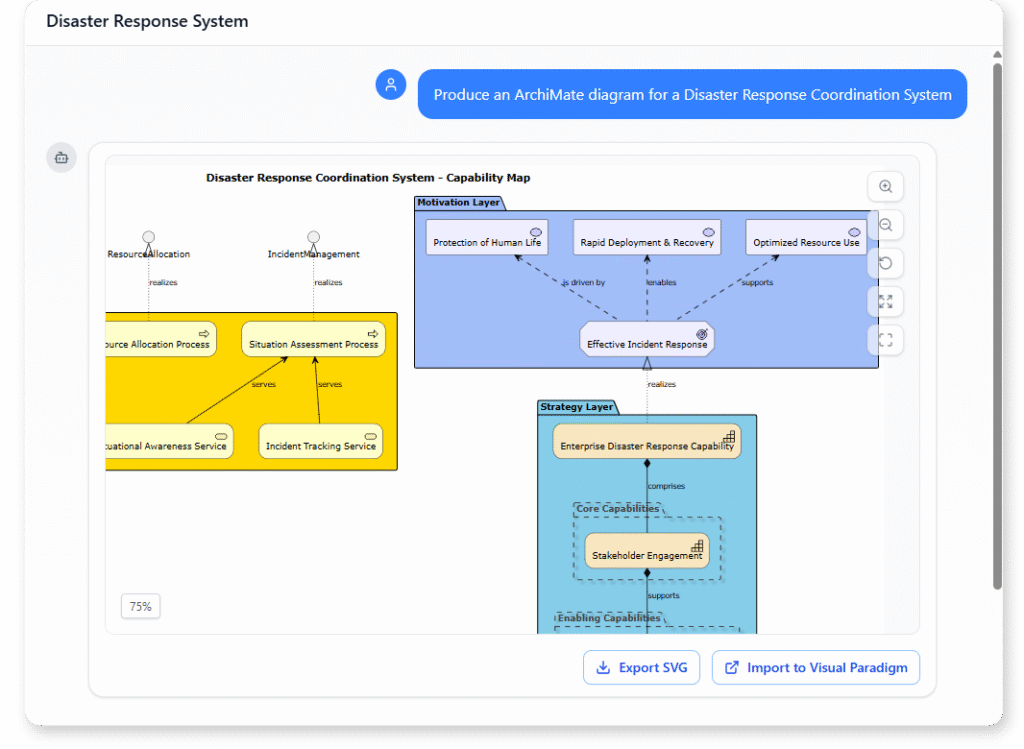
- Instant Generation: Users can type commands like “Create a use case diagram for an online shopping system” to see clear, accurate visuals immediately.
- Interactive Refinement: You can adjust models through conversation by using commands such as “Add a serving relationship from Application Service to Business Process” or “Rename Customer to Buyer”.
- Intelligent Analysis: The chatbot can answer “what-if” queries, such as “What business processes are affected if we decommission the legacy billing system?” to support impact analysis.
4. Adopting a Hybrid Modeling Approach
Visual Paradigm promotes a hybrid workflow where AI and human expertise complement each other,.
- AI for Drafting: Use the AI to generate high-quality initial drafts, skipping the manual drafting phase entirely.
- Human for Precision: Refine the AI-generated model using the intuitive drag-and-drop editor to ensure it aligns perfectly with unique organizational standards and fact-check all elements,,.
- Traceability: Once the high-level ArchiMate model is finalized, link it to detailed BPMNprocesses or UML software designs within the same integrated environment for end-to-end traceability.
5. Integration with TOGAF ADM and Governance
Enterprise architecture projects are often governed by the TOGAF® Architecture Development Method (ADM),.
- Process Guidance: Visual Paradigm features a TOGAF ADMGuide-Through process navigator that leads teams activity-by-activity through the ADM cycle,,.
- Synchronized Deliverables: The tool automates the generation of essential TOGAF deliverables—such as diagrams and reports—directly from your ArchiMate models,,.
- Architecture Repository: All AI-assisted and manually refined artifacts are automatically archived in a centralized repository, facilitating reuse and consistent governance across the enterprise.
6. Practical Use Case Examples
- Digital Transformation: Use the Business Process viewpoint to model “as-is” and “to-be” states for modernization initiatives,.
- Cloud Migration Strategy: Utilize the Technology Usage viewpoint to compare re-hosting vs. re-platforming options, visualizing technical dependencies,,.
- Mergers & Acquisitions: Generate a Capability Map viewpoint to identify overlapping software functions and gaps between two merging organizations,,.
- GRC Compliance: Create a Requirements Realization viewpoint to trace high-level regulations (like GDPR) down to the specific technical artifacts that must be compliant.