Software architecture is not merely a collection of code; it is the blueprint of a digital ecosystem. While logical models define relationships between classes and objects, the physical reality of where these components reside is captured through UML Deployment Modeling. This specific diagram type maps the hardware topology and software artifacts onto physical nodes. It answers critical questions: Where does the application live? How do systems communicate across networks? What are the security boundaries?
Understanding deployment diagrams is essential for infrastructure engineers, solution architects, and development teams. It bridges the gap between abstract logic and concrete implementation. This guide explores practical applications through detailed case studies, avoiding vendor-specific bias to focus on universal architectural principles.
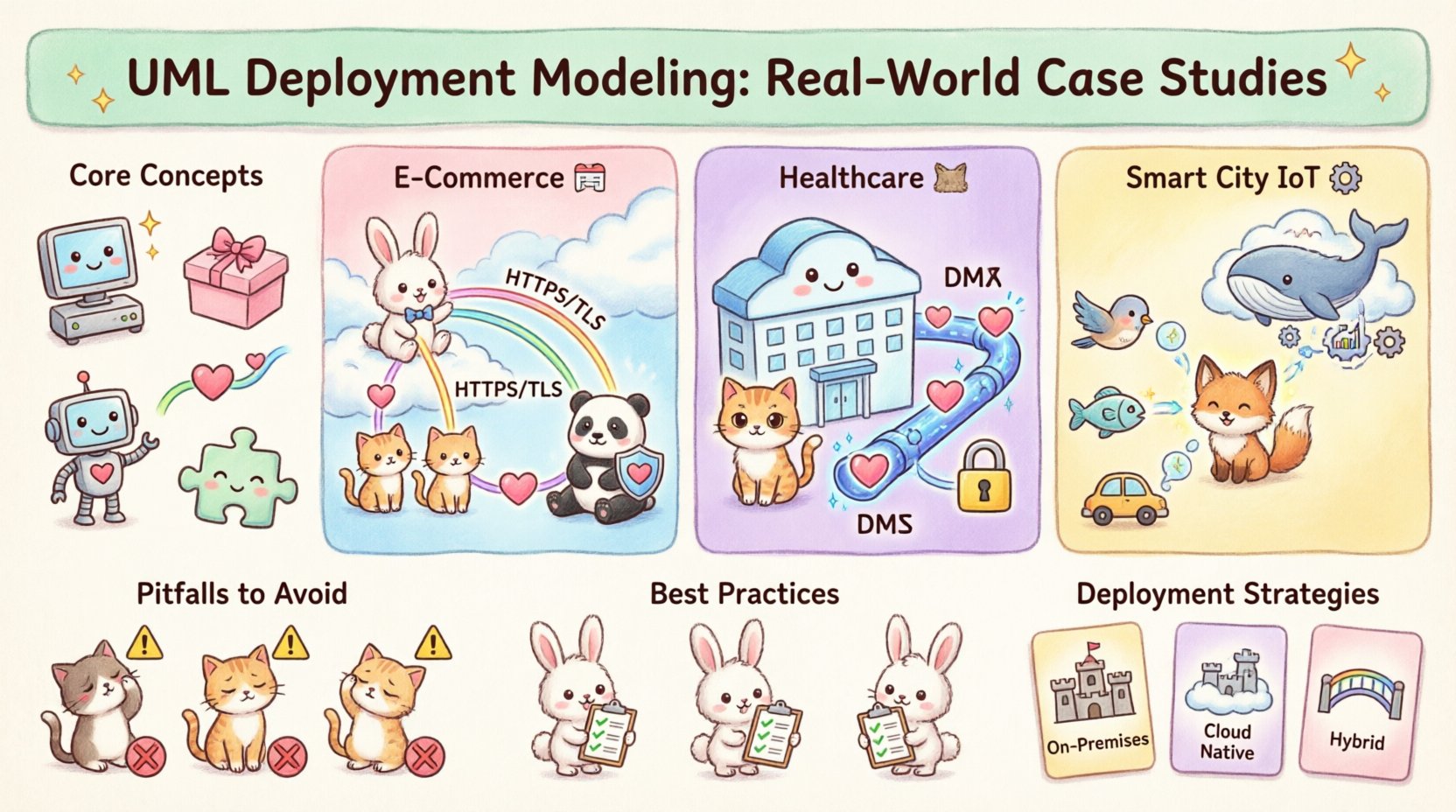
Core Concepts of Deployment Diagrams 🧩
Before diving into scenarios, it is necessary to establish the foundational elements used in this modeling notation. These elements form the vocabulary of the diagram.
- Node: A computational resource where artifacts are deployed. This can be a physical device, a server, or a virtual machine.
- Artifact: A physical representation of software. Examples include executables, libraries, database schemas, or configuration files.
- Device: A node with computational resources, often implying physical hardware like routers, sensors, or workstations.
- Communication Path: The link connecting nodes, representing network connectivity, protocols, or data flow.
- Component: A modular part of the system that can be deployed on a node.
These elements combine to create a map of the runtime environment. The goal is not just to draw boxes and lines, but to document the constraints and capabilities of the infrastructure.
Case Study 1: High-Traffic E-Commerce Platform 🛒
One of the most common challenges in modern architecture is handling fluctuating demand. Consider a retail application serving millions of users during seasonal peaks. The deployment model must ensure availability, low latency, and data integrity.
Architecture Overview
The system is divided into three distinct tiers: Presentation, Application, and Data. Each tier resides on specific nodes to isolate responsibilities.
- Load Balancer Node: The entry point for all traffic. It distributes requests across multiple web server nodes to prevent overload.
- Web Server Cluster: A group of nodes hosting the front-end interface. These are stateless to allow easy scaling.
- Application Server Cluster: Nodes executing business logic. They connect to the database layer and manage sessions.
- Database Cluster: Highly available storage nodes. They replicate data to ensure durability and quick recovery.
Modeling Decisions
In this scenario, the deployment diagram highlights the redundancy of the web and application layers. The diagram explicitly shows multiple instances of the same artifact type. This visual cue informs the infrastructure team that auto-scaling policies are required.
The communication paths are labeled with protocols. For example, the link between the web server and application server might use a high-performance internal protocol, while the link to the database uses a secure, encrypted connection.
Key Implementation Details
| Component | Deployment Node | Key Constraint |
|---|---|---|
| Load Balancer | Edge Gateway | High Throughput Required |
| Web Server | Virtual Machines | Stateless Configuration |
| Database | Storage Area Network | Data Consistency |
| Caching Layer | Memory Node | Low Latency Access |
This table structure within the documentation ensures that the physical requirements are clear to the operations team. It prevents the assumption that a single node can handle the entire load.
Case Study 2: Secure Healthcare Data System 🏥
Healthcare applications operate under strict regulatory constraints. Data privacy and security are paramount. The deployment model must reflect isolation and compliance boundaries.
Architecture Overview
The system is segmented into public-facing and private-facing zones. A firewall or security gateway acts as the boundary between the external internet and the internal medical data network.
- Public Zone: Contains patient portal interfaces. These nodes handle login requests but do not store sensitive health records.
- DMZ (Demilitarized Zone): A buffer zone containing API gateways and authentication services. Traffic passes through here before reaching the core.
- Private Zone: The secure network containing the Electronic Health Record (EHR) database and medical imaging archives.
- Encryption Gateway: A dedicated node responsible for managing cryptographic keys and ensuring data is encrypted at rest and in transit.
Modeling Decisions
In this context, the deployment diagram emphasizes security zones. The communication paths are annotated with security protocols (e.g., TLS 1.3). The diagram visually demonstrates that no direct path exists between the public zone and the private database. All traffic must traverse the API gateway.
This modeling choice prevents misconfiguration during implementation. If a developer sees the diagram, they understand that bypassing the gateway is not an option. It enforces the principle of least privilege physically.
Key Security Constraints
- Access Control: Only specific nodes are permitted to initiate connections to the database.
- Network Segmentation: VLANs are represented by distinct node groupings in the diagram.
- Audit Trails: A dedicated logging node captures all traffic passing through the security gateway.
Case Study 3: IoT Sensor Network for Smart City 🏙️
Internet of Things (IoT) architectures introduce unique challenges regarding edge computing and bandwidth. Data is generated at the source, but processing often happens in the cloud. The deployment model must account for latency and connectivity reliability.
Architecture Overview
This system involves thousands of physical devices collecting data (temperature, traffic flow, air quality) and sending it to a central processing unit.
- Edge Devices: The sensors themselves. These are modeled as nodes with limited processing power and storage.
- Edge Gateway: Local aggregation points. They collect data from nearby sensors and perform initial filtering or compression.
- Message Broker: A central node handling the ingestion of data streams. It decouples the sensor network from the processing logic.
- Cloud Processing Cluster: High-performance nodes for analytics, machine learning, and long-term storage.
Modeling Decisions
The diagram distinguishes between the Edge and the Cloud. This distinction is crucial because the deployment environment changes based on location. Some nodes are mobile (e.g., sensors on buses), while others are static (e.g., data centers).
The communication paths are labeled with wireless protocols (e.g., LoRaWAN, 5G, Wi-Fi). This informs the network engineers about the physical medium requirements. It also highlights potential points of failure, such as the reliance on the edge gateway for data aggregation.
Latency and Reliability Considerations
| Node Type | Connectivity | Latency Tolerance |
|---|---|---|
| Edge Sensor | Wireless | High (Data can wait) |
| Edge Gateway | Fiber/5G | Medium (Buffering required) |
| Cloud Node | Internet Backbone | Low (Batch processing) |
This data helps stakeholders understand that real-time control is not feasible for all components. The diagram clarifies where intelligence resides and where it does not.
Common Pitfalls in Deployment Modeling ⚠️
Even experienced architects make mistakes when creating these diagrams. Recognizing these errors early saves significant time during the implementation phase.
1. Ignoring Network Topology
A common error is drawing nodes without indicating how they connect. Simply placing boxes on a page does not convey bandwidth limits, firewalls, or latency. Always label communication paths with protocol and security requirements.
2. Over-Modeling Static Elements
A deployment diagram should not list every single file on a server. Focus on the artifacts that define the system’s functionality. Excessive detail obscures the high-level architecture and makes the diagram difficult to maintain.
3. Confusing Logical and Physical Views
Do not mix class diagrams with deployment diagrams. A class represents a concept; a node represents hardware. Keeping these views distinct prevents confusion between what the software does and where it runs.
4. Neglecting Scalability in the Diagram
Static diagrams often show a single instance of a server. If the system needs to scale, the diagram should indicate where additional nodes can be added. Use stereotypes or notes to denote “Cluster” or “Pool”.
Best Practices for Maintenance 🔄
A deployment diagram is a living document. As infrastructure changes, the model must evolve. Adhering to best practices ensures the diagram remains useful over the lifecycle of the project.
- Version Control: Store diagram files in a repository alongside the code. This ensures that infrastructure changes are tracked and reviewed.
- Abstraction Levels: Create multiple views of the deployment model. A high-level view for management, and a detailed view for engineers.
- Automated Generation: Where possible, generate deployment artifacts from configuration scripts. This reduces the gap between the document and the reality.
- Regular Audits: Schedule periodic reviews to ensure the diagram matches the actual running environment. Outdated diagrams are worse than no diagrams.
Comparing Deployment Strategies 📊
Different projects require different deployment strategies. The following table compares three common approaches based on flexibility, cost, and control.
| Strategy | Description | Best Use Case |
|---|---|---|
| On-Premises | Hardware owned and managed by the organization. | High security, strict compliance needs. |
| Cloud Native | Services hosted on a third-party cloud provider. | Scalability, rapid development, cost efficiency. |
| Hybrid | Combination of on-premises and cloud resources. | Legacy integration, mixed workload requirements. |
Understanding these strategies helps in selecting the appropriate nodes and artifacts for the diagram. For example, a cloud strategy might utilize virtualized containers, while an on-premises strategy might rely on bare metal servers.
Final Considerations for Architects 🧭
UML Deployment Modeling is a tool for communication. Its primary value lies in aligning the expectations of developers, operations, and business stakeholders. By focusing on physical constraints and clear labeling, teams can avoid costly implementation errors.
When creating these diagrams, remember that simplicity often yields better results than complexity. Ensure every node serves a clear purpose and every connection represents a necessary data flow. Regular updates keep the model relevant, and adherence to standard notation ensures clarity across the organization.
By studying real-world cases, architects can anticipate challenges before they occur. Whether managing a secure database cluster or a distributed sensor network, the deployment diagram remains the foundational map for the infrastructure. It transforms abstract requirements into a tangible plan for execution.